
Approve Certificate Application
Mar 23, 2026
Approve Certificate Application
|
OVERVIEW: This page walks you through the process of approving your GlobalSign Client Certificates order. This step is required to ensure that the Certificate download link will be sent to valid email address. At the completion of this procedure, you will be able to proceed with installing your Client Certificate. If you did not receive the approval email, contact support for assistance. |
Guidelines
-
Go to your email and open or copy the link in the email confirmation sent to you.
-
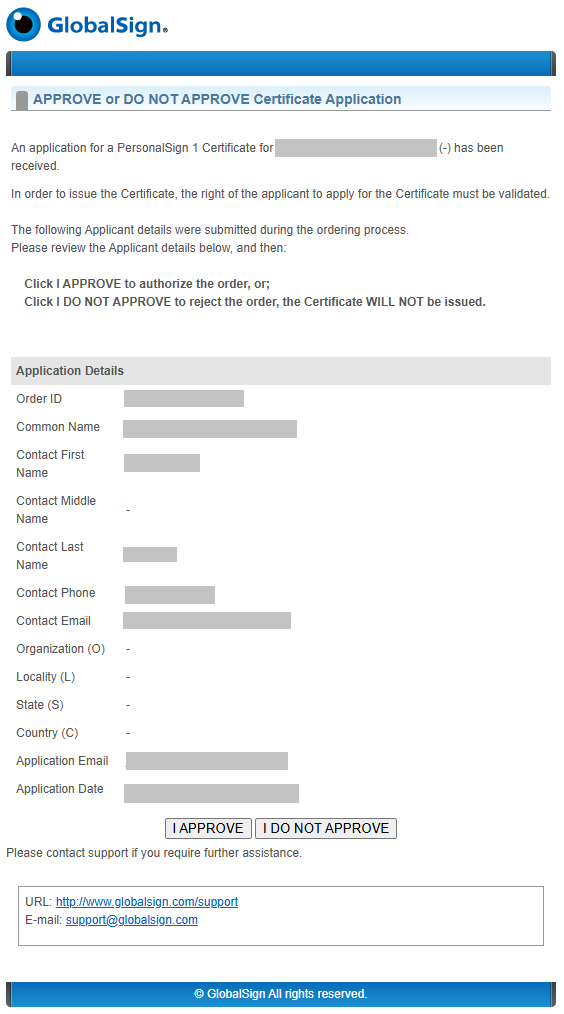
In a new tab, the Certificate Application Approval Page will open, displaying your certificate information and the approval options.
-
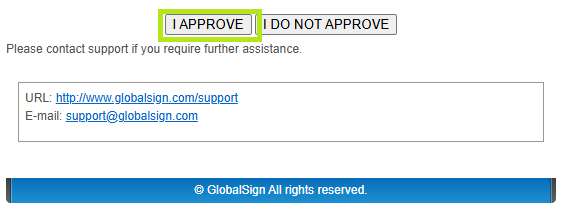
Click I APPROVE if you authorize the application and you wish to proceed with the issuance of the certificate. Otherwise, click I DO NOT APPROVE to reject.
-
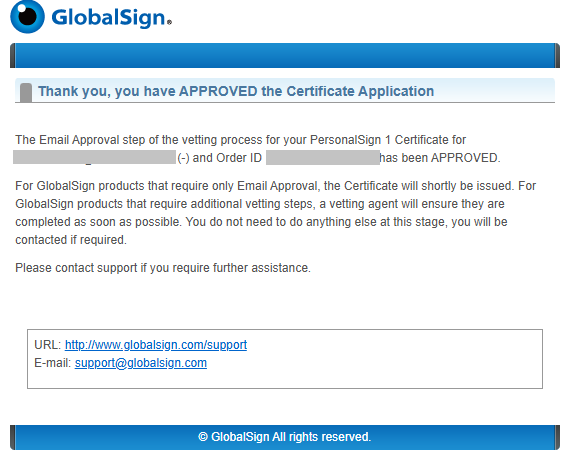
Once approved, you will receive a new email that contains the certificate delivery link.
SSL Configuration Test
Check your certificate installation for SSL issues and vulnerabilities.