
Reissue Certificate in MSSL
May 11, 2026
Reissue Certificate in MSSL
|
OVERVIEW: This page walks you through the process of reissuing your MSSL Certificate. At the completion of this procedure, your certificate will be reissued. For more certificate management in MSSL guides, please refer to this page. |
Guidelines
|
IMPORTANT: Orders issued before March 14, 2026 will have up to 398 days of validity. If you reissue an existing certificate on or after March 14, 2026 which has more than 199 days of validity remaining, the validity of the reissued certificate will be shortened to 199 days. However, you can reissue again at a later date to reach the original expiry of the first cert. For more frequently asked questions about the TLs validity change, please refer to this page. |
-
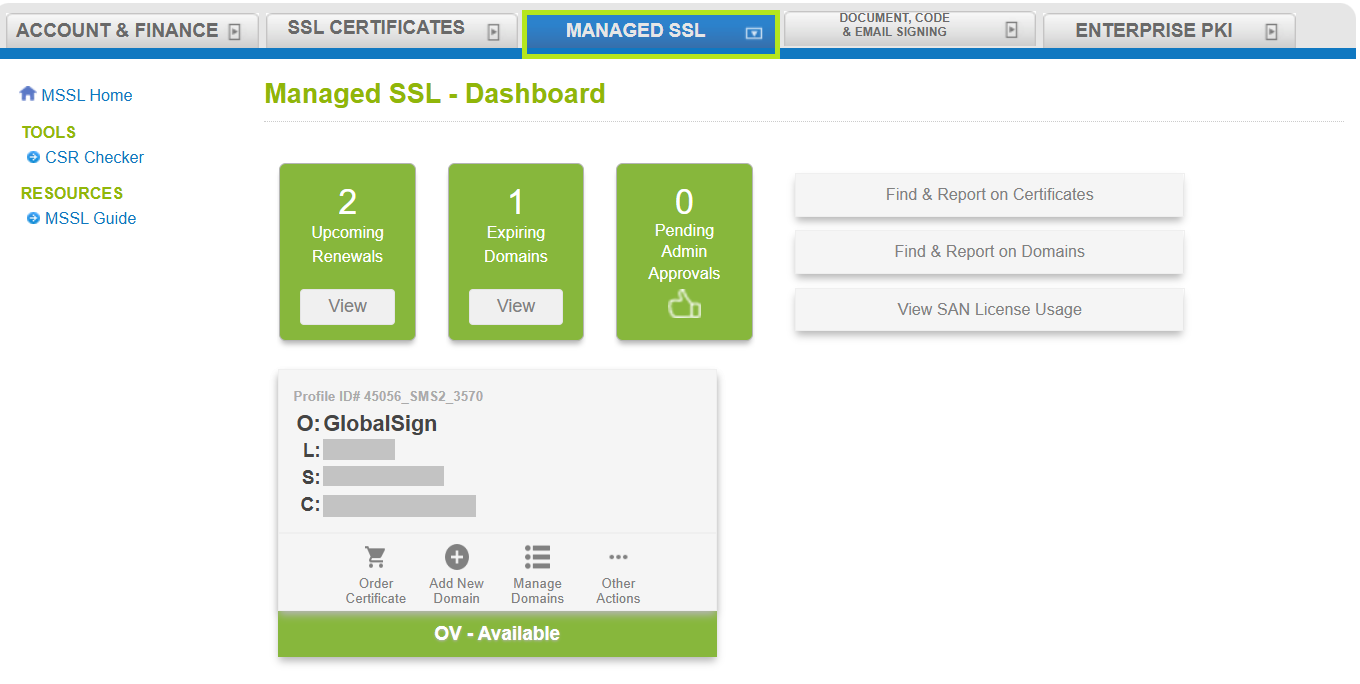
Log in to your GCC account, then go to the Managed SSL tab.
-
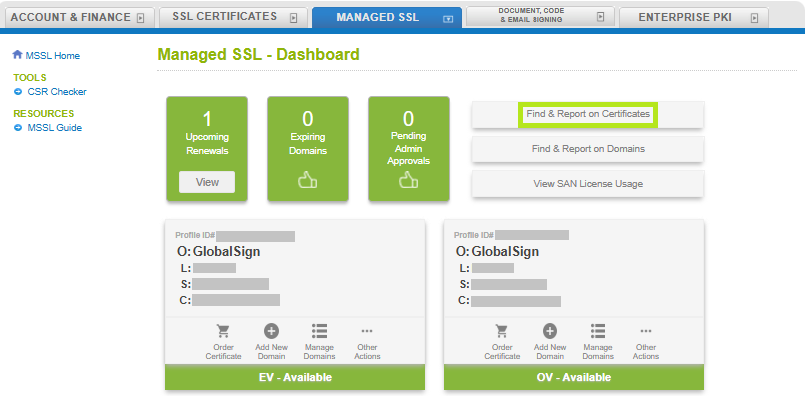
Click Find & Report on Certificates.
-
Enter the Oder ID or simply click Search to see the full list of Certificates in your profile.

-
Select the certificate you wish reissue, then click on the Reissue button. This action will take you to ordering pages.
-
Enter your CSR then click Continue.
-
Review CSR details, then click Continue.
-
Confirm all information, then click Complete.
-
Once order is complete, a confirmation screen will appear, as well as a system-generated confirmation email.
Related Articles
SSL Configuration Test
Check your certificate installation for SSL issues and vulnerabilities.